

דברו איתנו
אנחנו תמיד כאן לעזור ולענות על השאלות שלכם
צרו קשר לדיון בפרויקט, שאלה, או לגלות איך אפשר לעבוד יחד.
דוא"ל
hi@whoopix.aiמיקום
ישראל, תל אביב - 701239
ה'מסגר 42

מדריך מודול-מודול לכל חלק בפאנל הניהול של Whoopix.
The Whoopix admin panel is at cms.whoopix.ai. After login you see the dashboard with the sidebar navigation for all modules listed below.

New users should start with the Getting Started guide before diving into individual modules.
Central hub showing site metrics, recent activity, quick links to all modules, and system health indicators.

Create and manage all site pages — landing pages, service pages, programmatic SEO pages, and static content.

Blog posts, news, guides, and long-form content with rich editor, categories, and AI-assisted drafts.

Hierarchical taxonomy for organizing articles, products, and page clusters with per-category SEO settings.

Define page structure, content blocks, and field schemas. Templates connect to frontend rendering.

Metadata management, schema markup, sitemap configuration, and site-wide SEO settings.

Monitor keyword rankings over time with automated daily checks and historical trend charts.

Task board for SEO optimization work — manual tasks and auto-generated items from ranking changes.

E-commerce product catalog with pricing, inventory, variants, and product schema generation.

Team member management with role-based access control and permission configuration.

Analytics dashboard showing traffic trends, content performance, and integration health.

The BizPlace demo showcases a multi-page business directory built on Whoopix — useful for understanding how pages, categories, and articles work together:
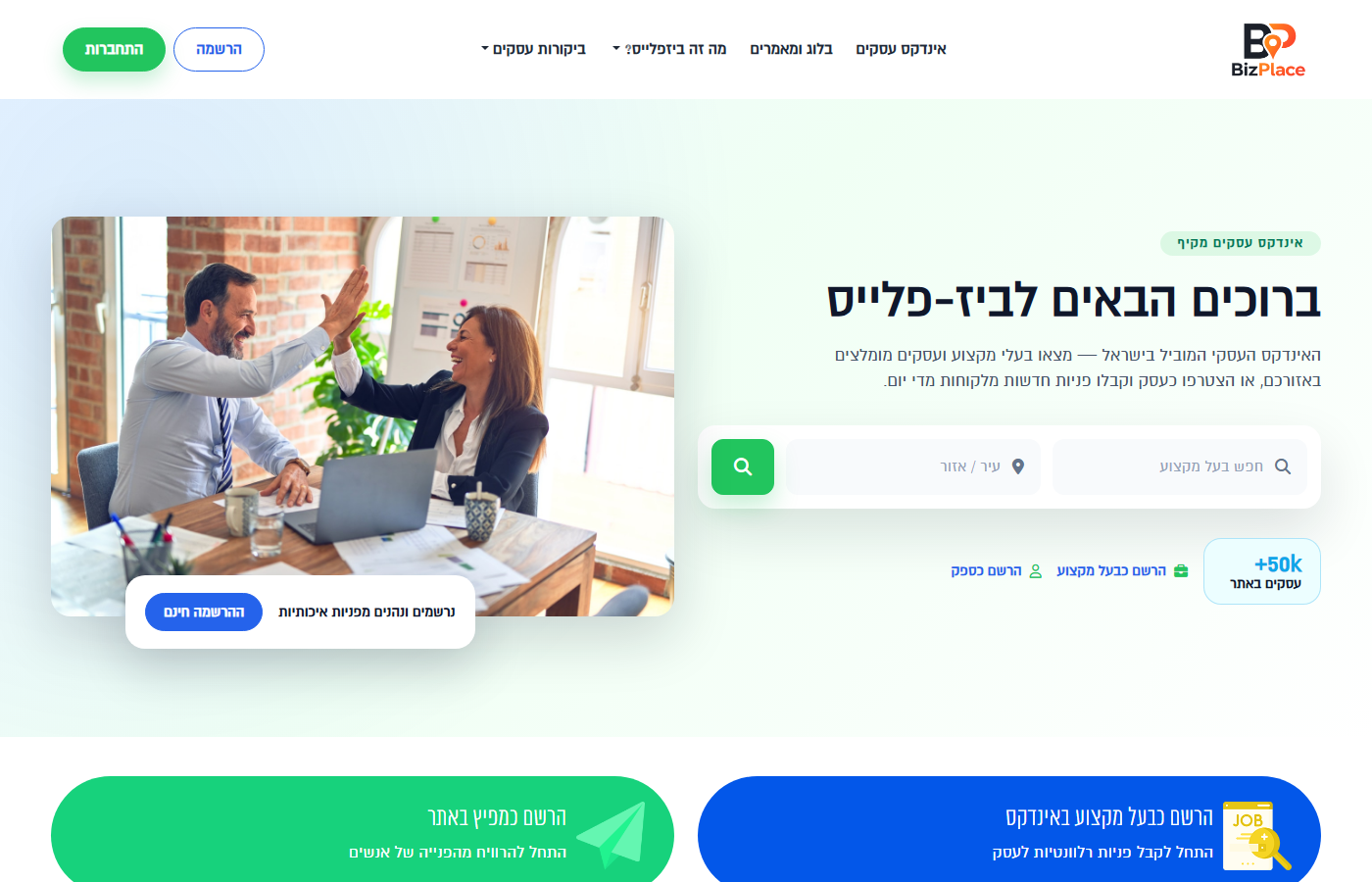
Homepage
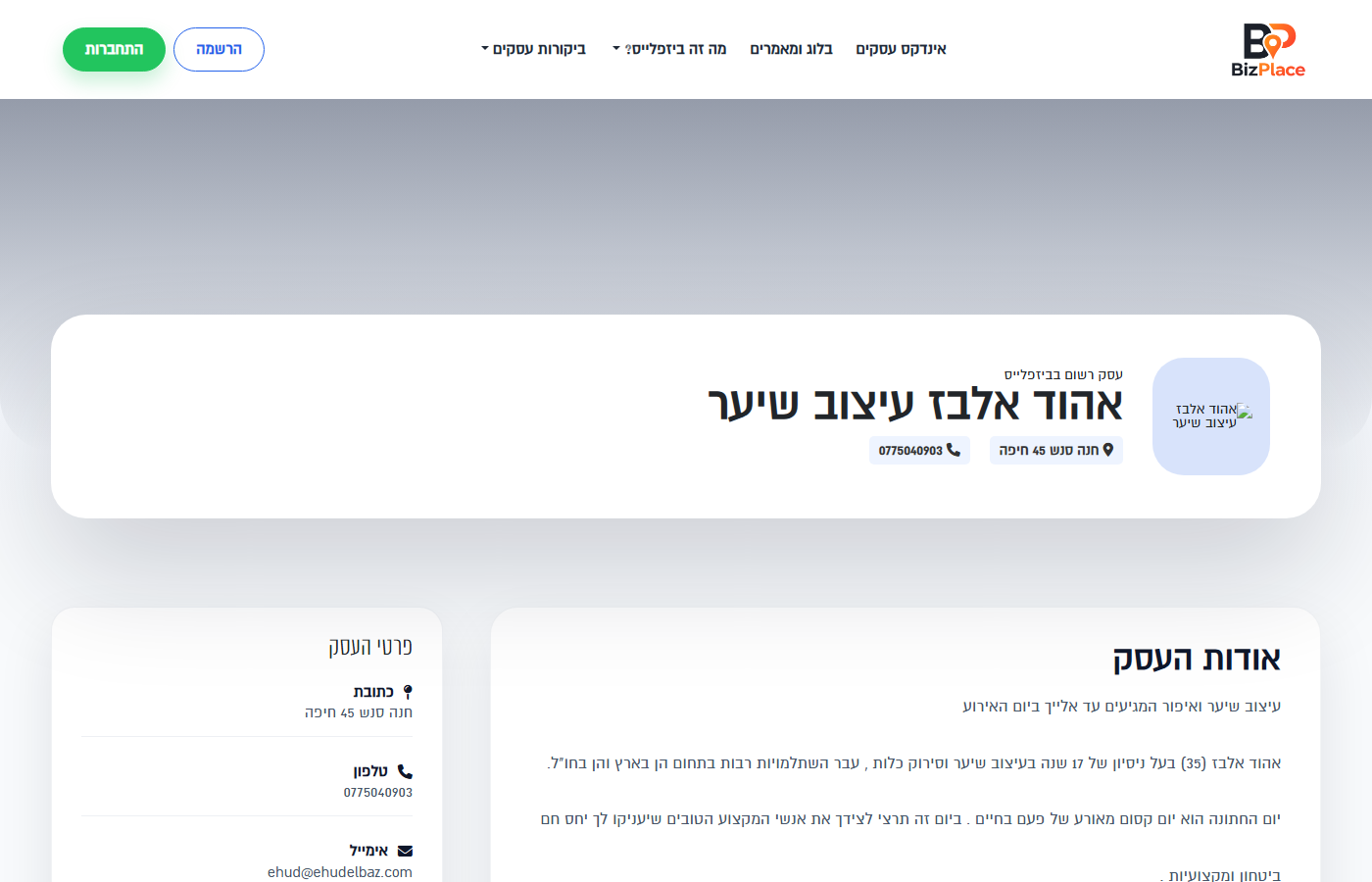
Business listing
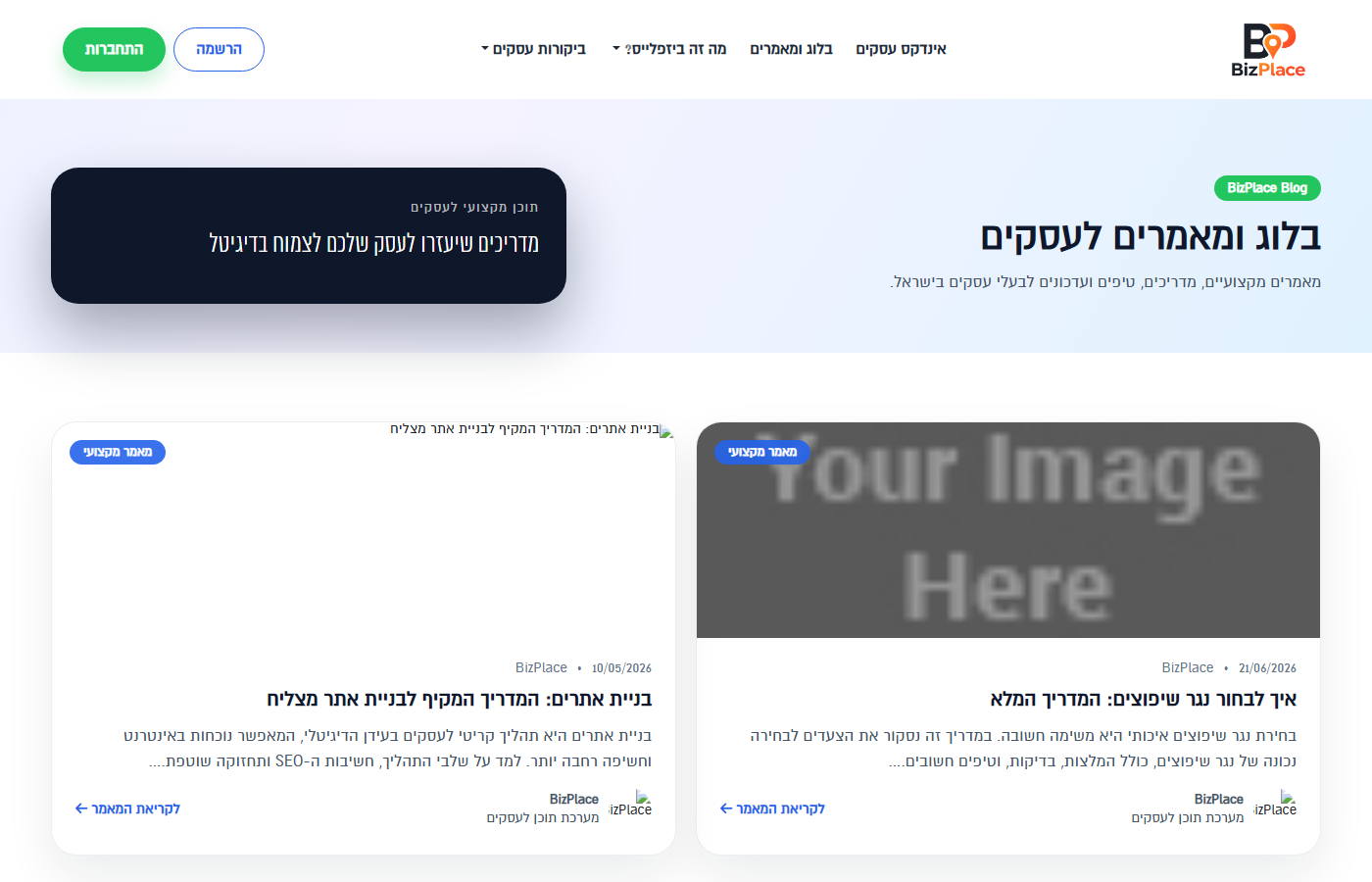
Articles
צרו קשר לדיון בפרויקט, שאלה, או לגלות איך אפשר לעבוד יחד.
ישראל, תל אביב - 701239
ה'מסגר 42
כתבות שפורסמו על Whoopix ועל DigitalST בעיתונות הכלכלית והכללית בישראל.


