Admin Reference
This reference documents every module in the Whoopix admin panel at cms.whoopix.ai. Use it as a map when onboarding new team members or exploring features you have not used yet.
Accessing the admin panel
The Whoopix admin panel is at cms.whoopix.ai. After login you see the dashboard with the sidebar navigation for all modules listed below.

New users should start with the Getting Started guide before diving into individual modules.
Module reference
1. Dashboard
Central hub showing site metrics, recent activity, quick links to all modules, and system health indicators.

- Site overview stats
- Recent publishes and edits
- SERP alerts summary
- Quick-action shortcuts
2. Pages
Create and manage all site pages — landing pages, service pages, programmatic SEO pages, and static content.

- Page list with status filters
- Template assignment
- SEO panel per page
- Bulk actions and export
Full guide →
3. Articles / Blog
Blog posts, news, guides, and long-form content with rich editor, categories, and AI-assisted drafts.

- Rich text editor
- Featured image and OG tags
- Category and tag assignment
- Draft / schedule / publish workflow
Full guide →
4. Categories
Hierarchical taxonomy for organizing articles, products, and page clusters with per-category SEO settings.

- Nested category tree
- Category landing pages
- Per-category metadata
- Bulk reorder
Full guide →
5. Templates
Define page structure, content blocks, and field schemas. Templates connect to frontend rendering.

- Template builder
- Field type definitions
- Preview mode
- Assign to page types
Full guide →
7. SERP Tracking
Monitor keyword rankings over time with automated daily checks and historical trend charts.

- Keyword management
- Position history charts
- Page-keyword association
- Export and reporting
Full guide →
8. SEO Tasks
Task board for SEO optimization work — manual tasks and auto-generated items from ranking changes.

- Task creation and assignment
- Priority and due dates
- Auto-generated from SERP drops
- Completion tracking
Full guide →
9. Products
E-commerce product catalog with pricing, inventory, variants, and product schema generation.

- Product CRUD
- Variant management
- Category assignment
- Product schema auto-generation
Full guide →
10. Members
Team member management with role-based access control and permission configuration.

- User invite and management
- Role assignment
- Per-module permissions
- Activity logging
Full guide →
11. Insights
Analytics dashboard showing traffic trends, content performance, and integration health.

- Traffic overview
- Top performing pages
- Integration status
- Performance metrics
Full guide →
Sidebar navigation map
Admin sidebar structure:
Dashboard → Site overview and quick actions
Content
Pages → All site pages
Articles → Blog and news content
Categories → Taxonomy management
Templates → Page template definitions
SEO
SEO Tools → Metadata, schema, sitemaps
SERP → Keyword rank tracking
Tasks → SEO task board
Commerce
Products → Product catalog
Orders → Order management
System
Members → Users and roles
Insights → Analytics and monitoring
Settings → Site config, languages, integrations
Example site (BizPlace demo)
The BizPlace demo showcases a multi-page business directory built on Whoopix — useful for understanding how pages, categories, and articles work together:
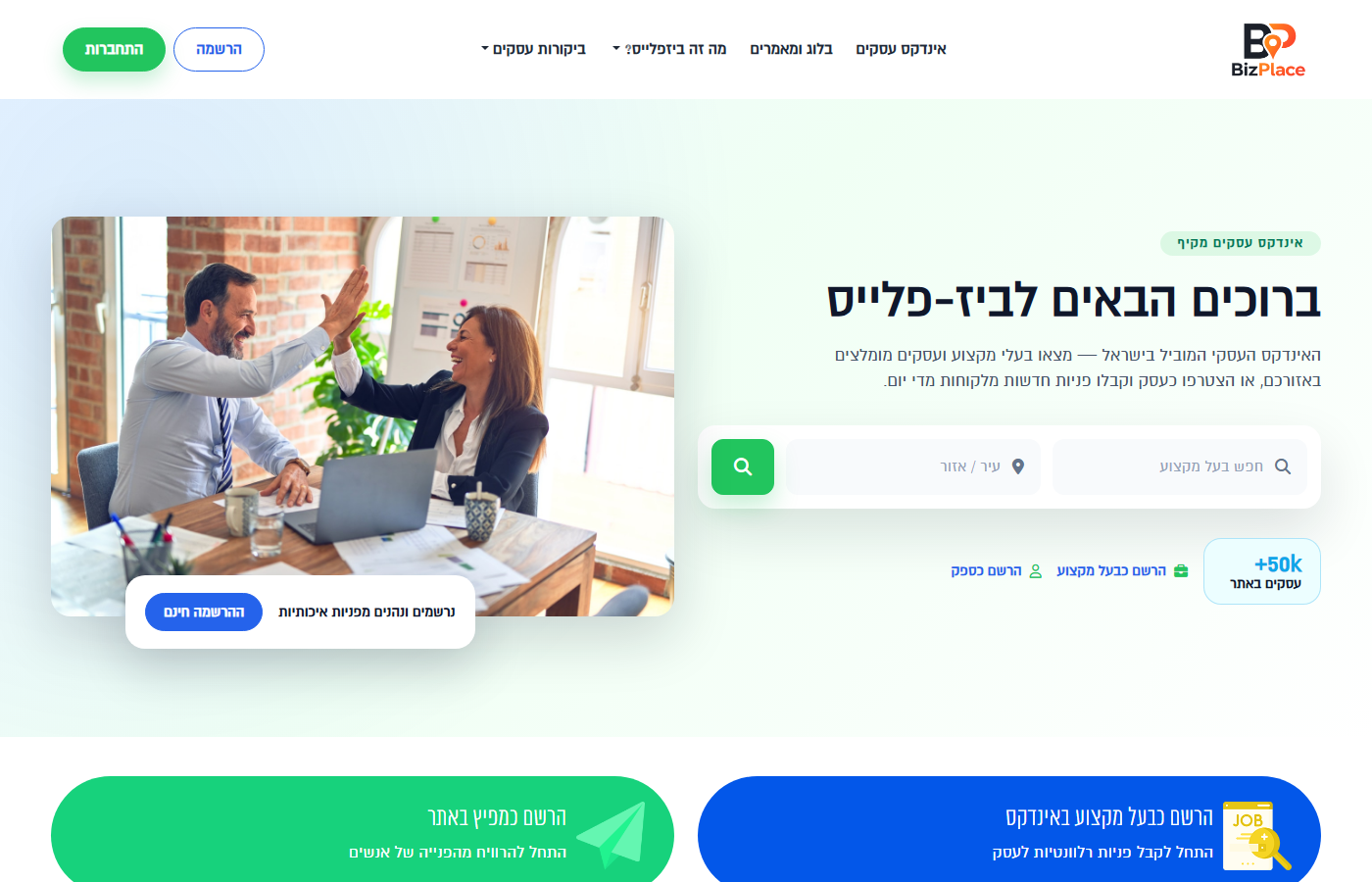
Homepage
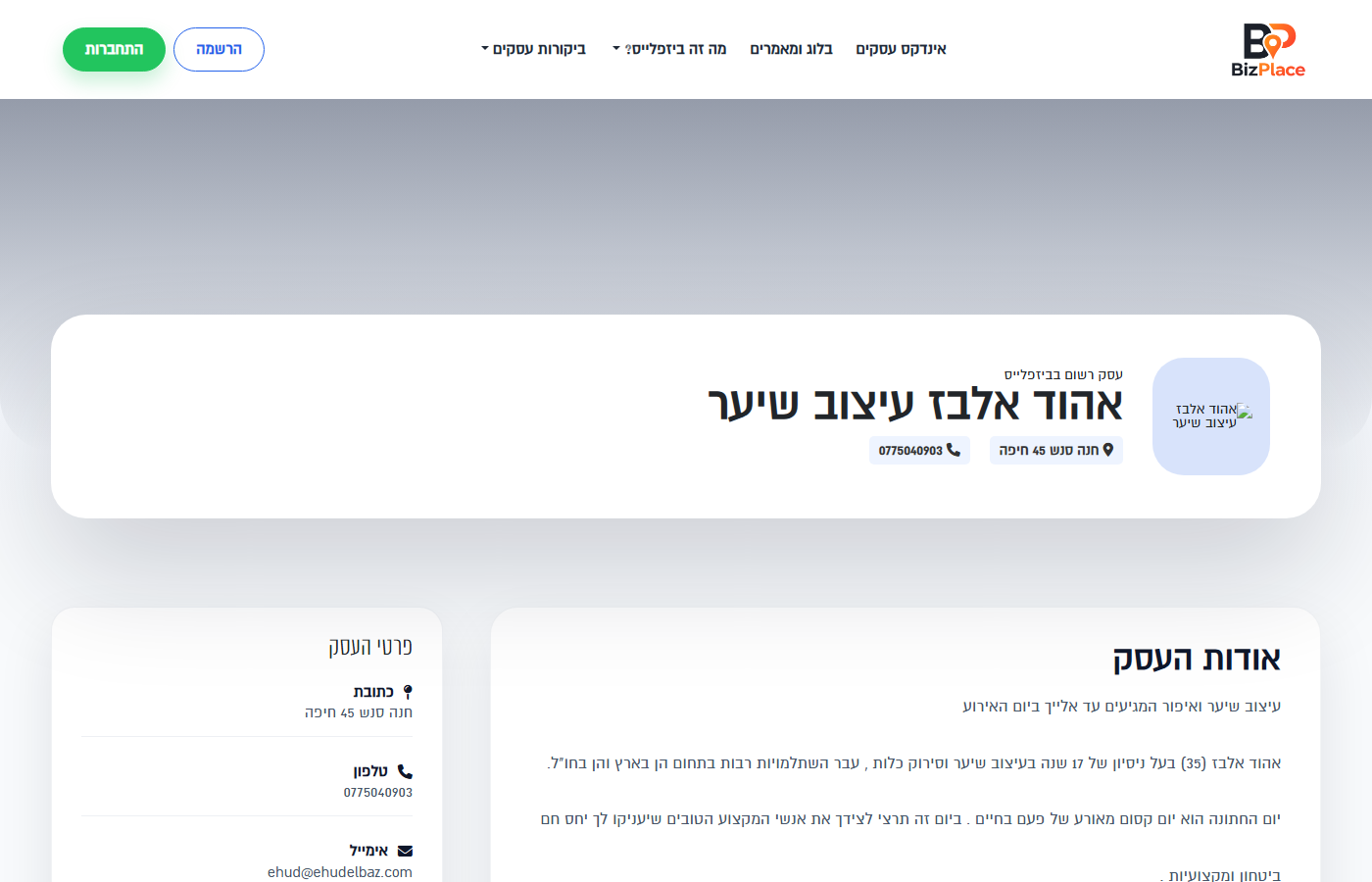
Business listing
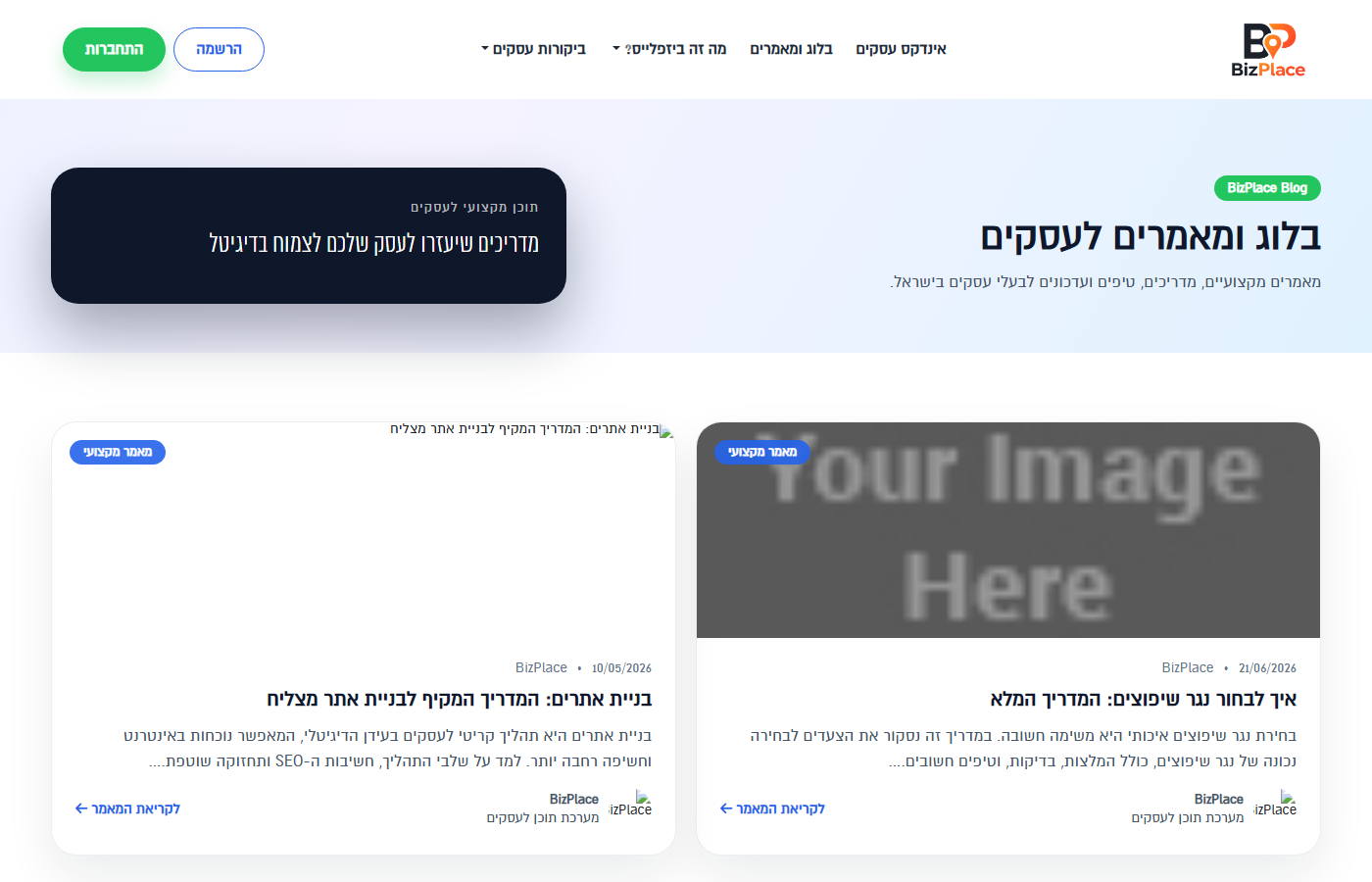
Articles


